Theme
ESSign in
Open navigation
Theme

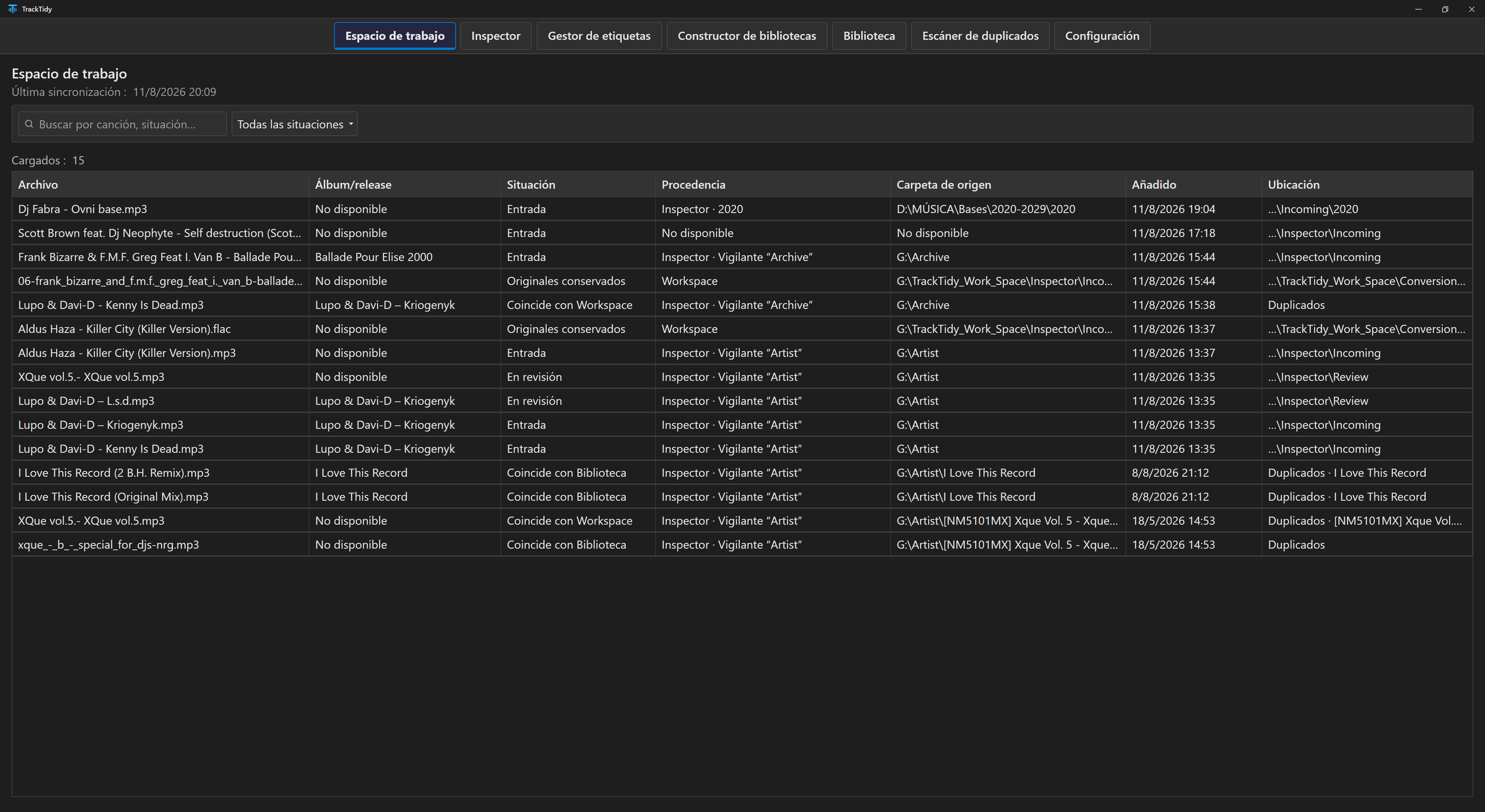
Review what you already have and what is coming in, complete your songs’ information, and decide how you want to organize your library. TrackTidy connects these tasks and separates what is ready from what still needs attention.

  • Windows 10 and 11

    Built to work from your PC.

  • Local processing

    Your files and library stay on your computer.

  • 14 days, no card

    Try every feature with your own library.

Provisional, replaceable graphic; not a TrackTidy screenshot

Who is TrackTidy for?

Collectors with a library that keeps growing.

When new folders, versions, or duplicates arrive, TrackTidy helps you compare them with what you already have, complete the information, and maintain a structure you can still understand.

DJs who want to arrive at the set with their music ready.

When new music arrives, compare the folder with your Library and review the versions that matter. Keep selections organized with Smart Lists, track pending releases with Watchlist, and prepare exports for rekordbox, TRAKTOR, or Apple Music/iTunes.

Complete an entire album from a single song.

Review the matches and confirm the details before adding them to your Library.

Demo in preparation

See the walkthrough steps

  1. Start with a pending song

    Open it from the Workspace, drag it into Tag Manager, or send it from a Watcher.

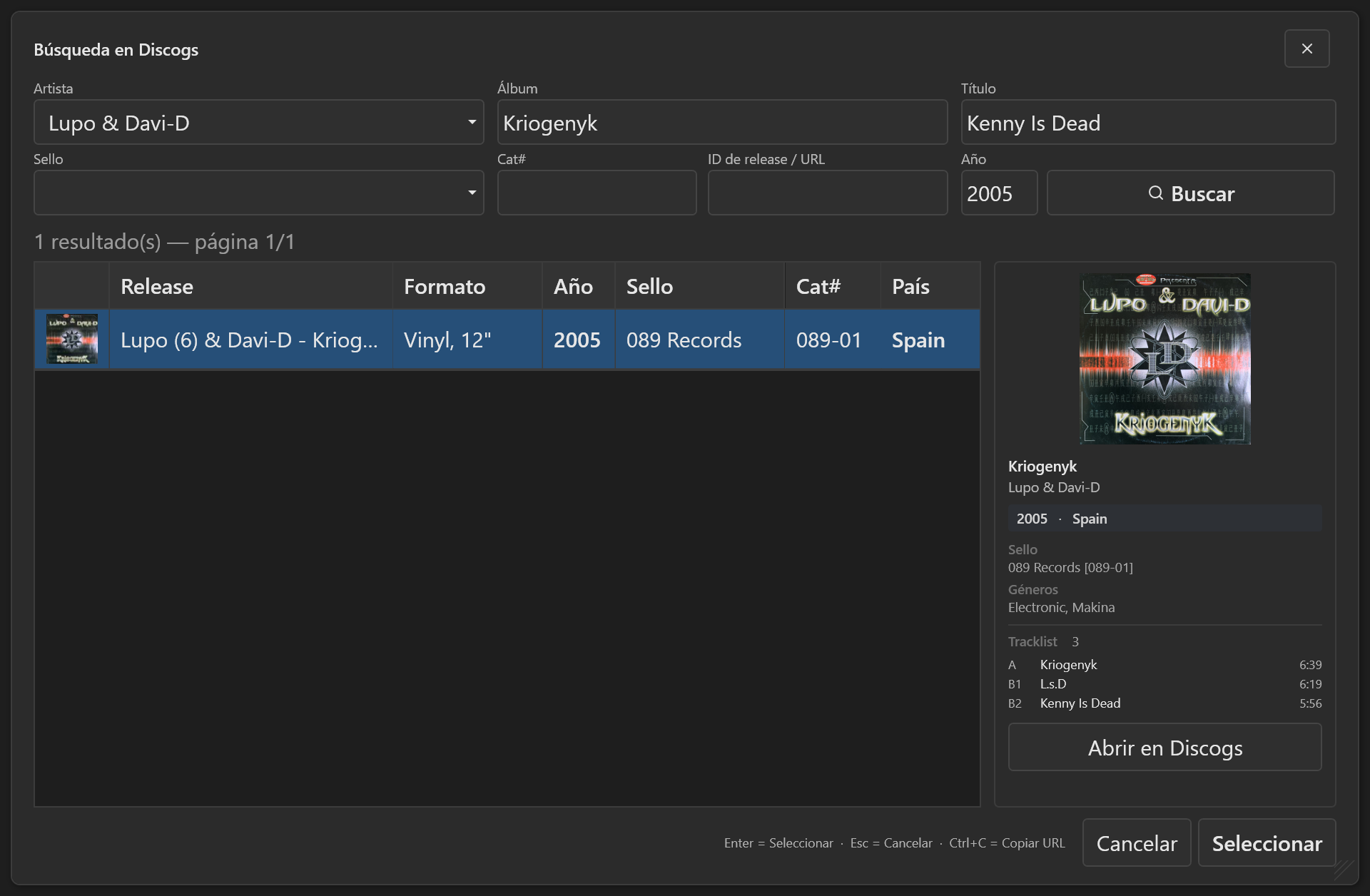
  2. Find the release on Discogs

    Use the available details to prepare your search, review the matches, and choose the right release.

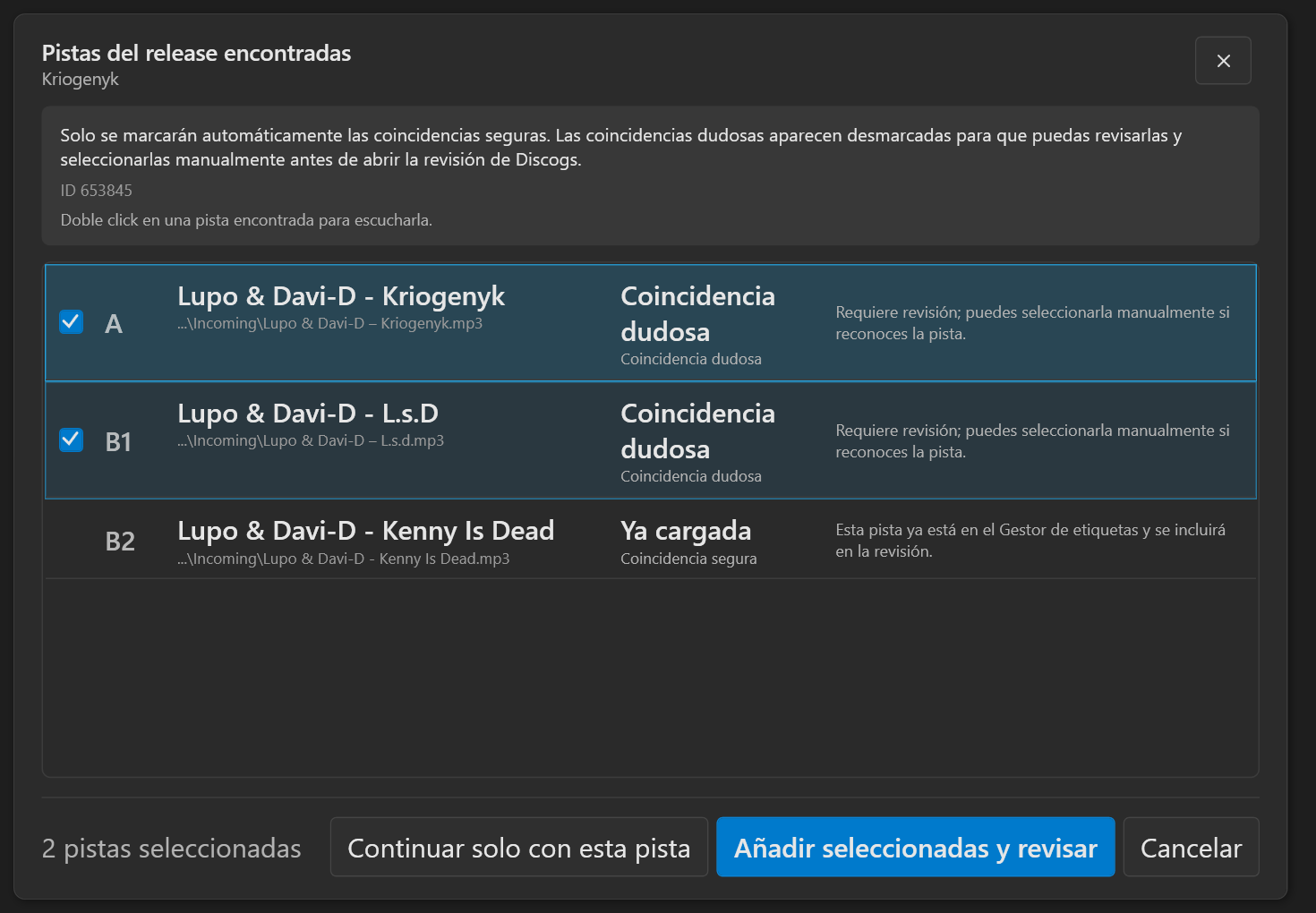
  3. Add the album tracks

    Review the tracks TrackTidy found and choose the full album or only the songs you want to include.

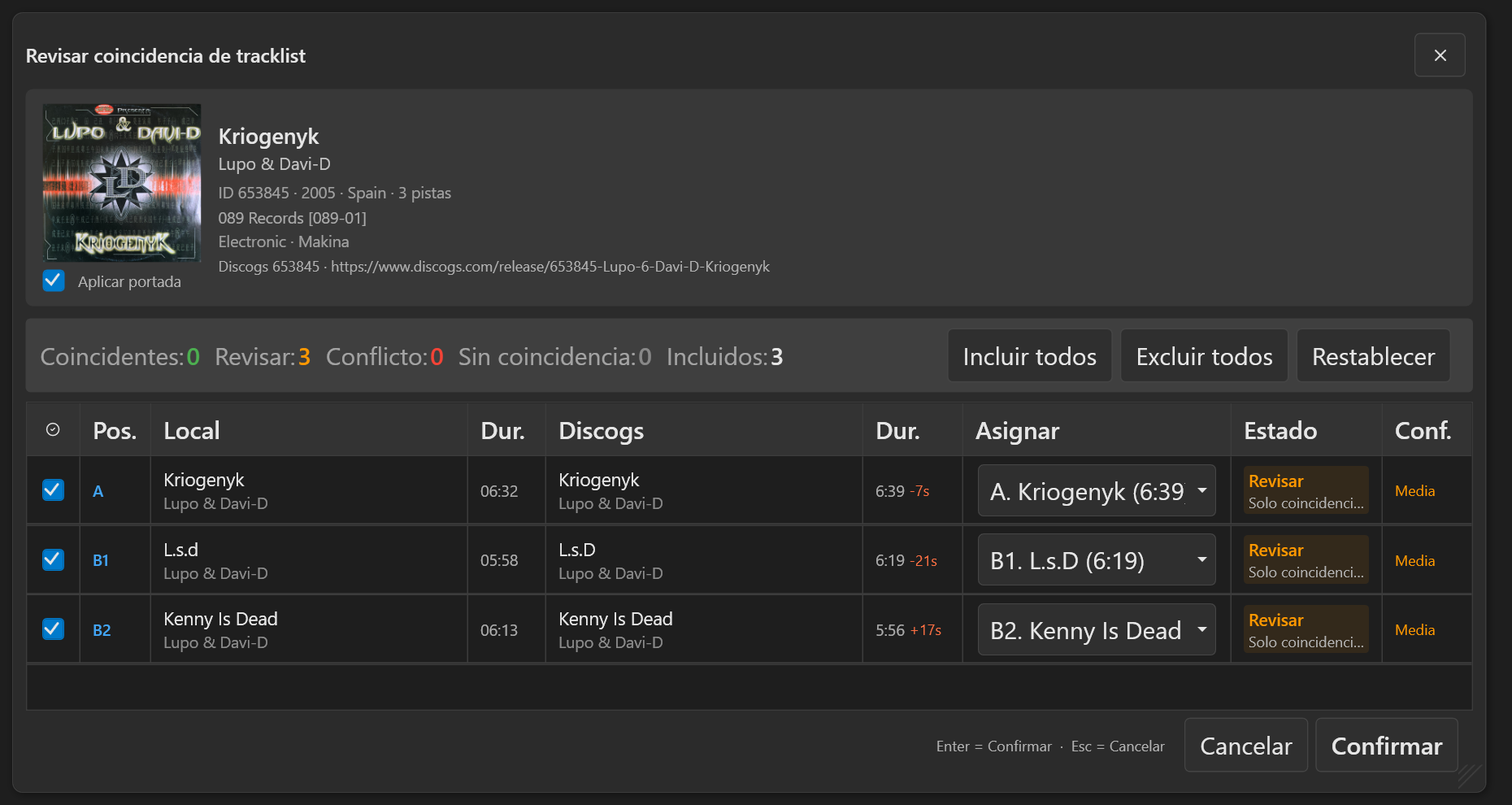
  4. Review the matches

    Check that each file matches the right track before applying the details. Differences in duration help you spot what needs a closer look.

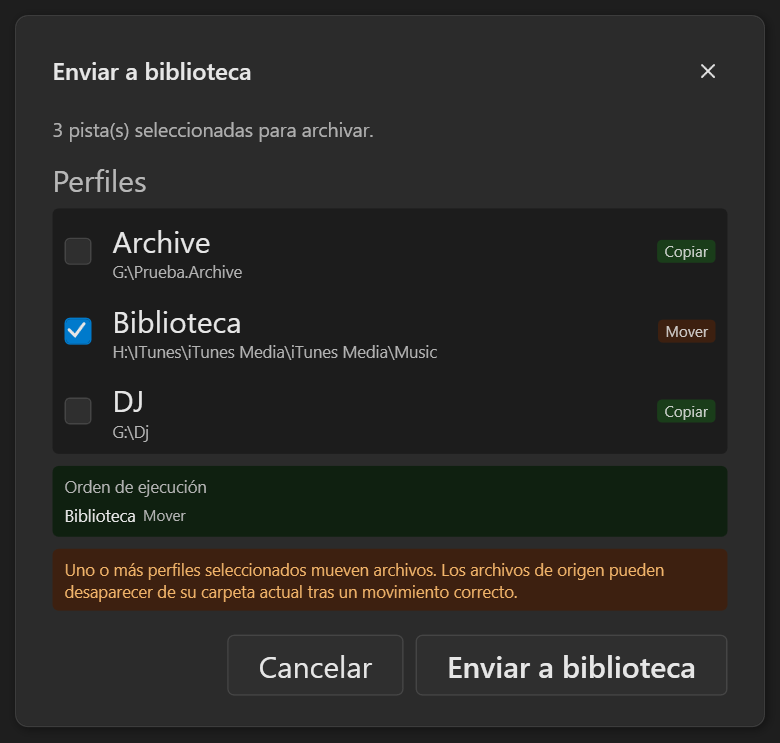
  5. Send the album to your Library

    Choose where to save the album and the template you set up in Organizer.

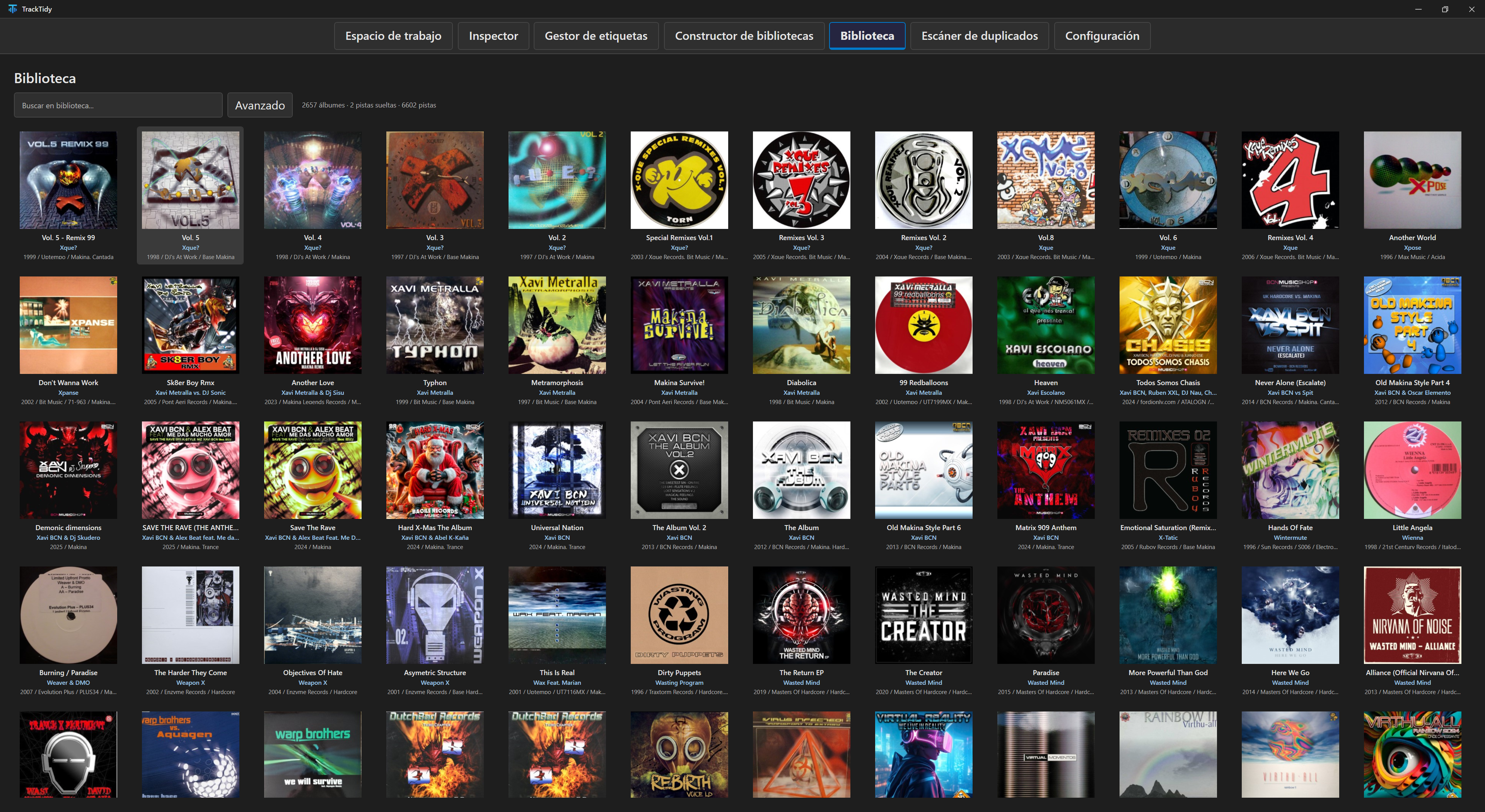
  6. Find the album in your Library

    Open the Library to explore the organized album with the rest of your collection.

Save time without giving up control.

Set up how you want to prepare audio, artwork, metadata, filenames, and folders once. TrackTidy reuses those preferences from incoming music to your Library.

Without jumping between applications and browsers or repeating the same work for every album.

Compatible with the tools you already use.

Create Smart Lists that update with your Library and prepare compatible exports for rekordbox, TRAKTOR, and Apple Music/iTunes.

  • Apple Music/iTunes

Screen reader compatible

Navigate TrackTidy with the keyboard and view the available shortcuts at any time with F1.

Choose the plan you need.

Every plan includes the same features. Choose based on the number of devices you need.
Billing

1 device

Individual

€9.99 / month
One-time payment alternativeIndividual · One-time paymentOne-time payment for the version included in this plan, with 3 years of support and updates. Access depends on service continuity.
€299One-time payment
Maximum discount for a one-time payment€119.60
Choose subscriptionChoose one-time payment
Recommended

2 devices

Pro

€14.99 / month
One-time payment alternativePro · One-time paymentOne-time payment for the version included in this plan, with 3 years of support and updates. Access depends on service continuity.
€399One-time payment
Maximum discount for a one-time payment€159.60
Choose subscriptionChoose one-time payment

5 devices

Studio

€24.99 / month
One-time payment alternativeStudio · One-time paymentOne-time payment for the version included in this plan, with 3 years of support and updates. Access depends on service continuity.
€649One-time payment
Maximum discount for a one-time payment€259.60
Choose subscriptionChoose one-time payment